
Built for Growing Businesses

Point of Sales Systems for Small Businesses

A modern POS that improves speed, accuracy, and visibility while scaling with your operations.

Is Your Checkout System Helping You Grow or Holding You Back?

A modern POS should do more than process payments. The right point of sales system helps small businesses move faster, reduce errors, and gain real-time visibility into sales and inventory without adding complexity. 

What if your POS did more than just take payments? 

Today’s point of sales systems for small businesses connect sales, inventory, reporting, and customer data into one streamlined system designed to support growth. Whether you run a retail store, restaurant, or service business, your POS should remove bottlenecks, not create them. The right system saves time, improves accuracy, and gives you the data you need to make smarter decisions. If your current checkout process feels slow, disconnected, or outdated, it’s time to consider a system built for how modern businesses actually work. 

Free Security Tools

Not sure where to start?
Run a quick scan to check if your domain or links are vulnerable to phishing or spoofing attacks.

Why Modern Point of Sales Systems Matters for Small Businesses

Built to Scale as Your Business Grows

Point of sales systems for small businesses should evolve as you add staff, locations, or services without forcing expensive replacements or workarounds. A scalable POS adapts to changing needs, whether you’re opening a second location, expanding your product line, or adding delivery and online ordering. Systems that can’t grow with you become liabilities, creating inefficiencies and limiting your ability to respond to opportunities. The right platform supports growth without requiring a complete rebuild every few years. 

Faster Checkout, Better Customer Experience

Speed matters. A reliable POS system reduces wait times, supports multiple payment methods, and creates a smoother, more professional customer experience. When checkout is fast and easy, customers leave satisfied and are more likely to return. Modern systems handle cards, contactless payments, digital wallets, and split payments without friction. A slow or clunky checkout process can cost you sales and damage your reputation. The right POS keeps transactions moving and keeps customers happy. 

Clear Data for Better Business Decisions

Modern POS platforms deliver real-time insights into sales trends, peak hours, and inventory movement, helping owners make confident, data-backed decisions. Instead of guessing what’s working, you get clear reports that show which products sell best, when your busiest times are, and where you might be losing money. This visibility allows you to adjust pricing, staffing, and inventory based on actual performance, not assumptions. Better data means better decisions, faster growth, and fewer wasted resources. 
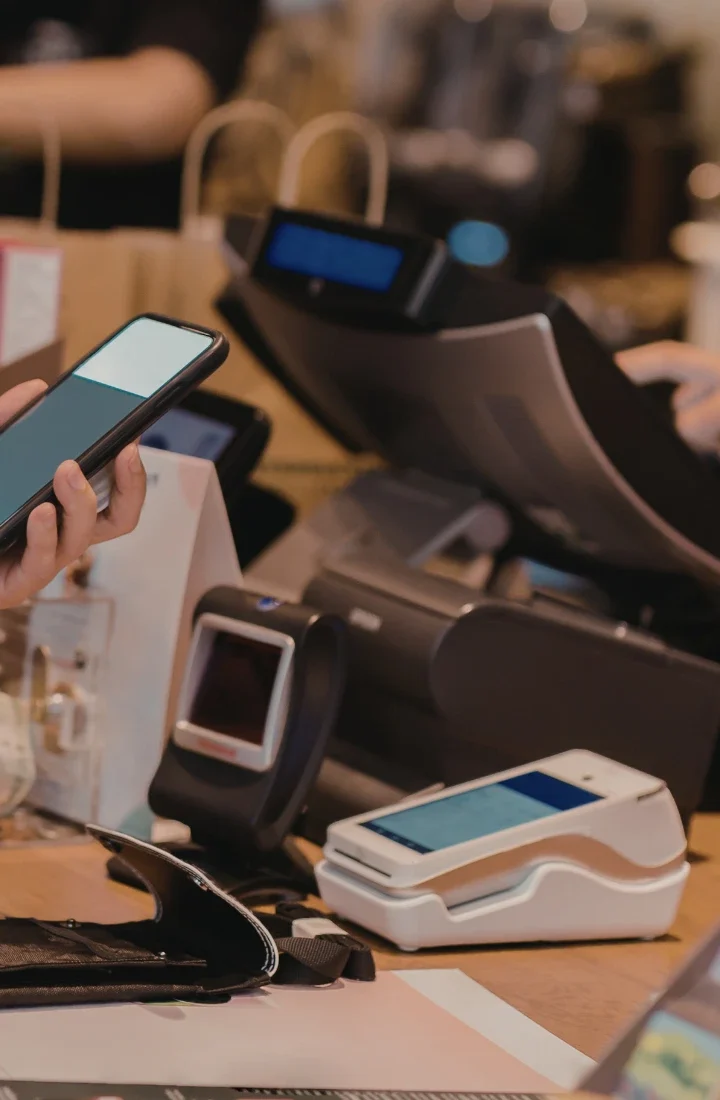
Principal IT POS.

Who Needs Point of Sales Systems for Small Businesses?

  • Retail stores managing inventory and in-store sales 
  • Restaurants, cafés, and food service businesses with high transaction volume 
  • Service-based businesses requiring fast, accurate checkout 
  • Growing or multi-location businesses needing centralized reporting 

Small Businesses That Benefit Most from Modern POS Systems

What's Included in Modern Point of Sales Systems for Small Businesses

Sales & Payment Processing
Fast, reliable checkout with support for cards, contactless payments, and digital wallets. Modern systems process transactions quickly and securely, reducing wait times and improving customer satisfaction. They also handle returns, refunds, and split payments without complicating the process. Payment flexibility is no longer optional. Customers expect to pay however they want, and your POS should make that easy. Reliable payment processing also means fewer technical issues, less downtime, and more consistent revenue flow.
Inventory Tracking & Management
Real-time inventory visibility, low-stock alerts, and reduced over-ordering. A modern POS tracks what's in stock, what's selling, and what needs to be reordered automatically. This reduces the risk of running out of popular items or tying up cash in slow-moving products. Inventory management becomes proactive instead of reactive. You can make smarter purchasing decisions, reduce waste, and keep shelves stocked without guesswork. For businesses with multiple locations, centralized inventory management becomes even more valuable.
Reporting & Business Insights
Clear reports on sales performance, peak times, and product movement. No spreadsheets required. Modern POS systems generate reports that show what's working, what's not, and where opportunities exist. You can see sales trends by day, week, or month, identify your best-performing products, and understand customer buying patterns. These insights help you adjust pricing, staffing, and inventory to improve profitability. Instead of spending hours compiling data, you get the information you need in minutes.
User & Staff Management
Role-based access, employee activity tracking, and simple onboarding. A modern POS lets you control who can access what, making it easier to manage staff and protect sensitive information. You can track individual sales performance, monitor clock-ins, and identify training opportunities. When new employees join, onboarding is faster because the system is intuitive and consistent. Good user management reduces errors, improves accountability, and makes day-to-day operations smoother.
System Integrations
Connections with accounting software, CRM tools, and other business systems to eliminate data silos. Modern point of sales systems for small businesses don't operate in isolation. They connect to the tools you already use. Integration with accounting platforms like QuickBooks reduces manual data entry and improves accuracy. CRM connections help you track customer preferences and build loyalty programs. When your systems work together, you save time, reduce errors, and get a complete view of your business.

How Principal IT Consultants Implements POS Systems for Small Businesses

Step 1: Business & Workflow Assessment

We evaluate transaction volume, inventory flow, staff roles, and growth goals to make sure the system fits your operations. Every business is different, and a one-size-fits-all solution doesn’t work. Principal IT starts by understanding how your business operates today and where you want to go. We look at your checkout process, inventory management, reporting needs, and plans. This assessment makes certain the POS we recommend actually solves your problems and supports your goals. 

Step 2: POS Selection & System Design

Your POS is selected based on business type, reporting needs, and scalability. Not generic recommendations. After evaluating your operations, we recommend a system that fits your industry, transaction volume, and growth trajectory. We don’t push a single vendor or platform. We match you with the solution that makes sense for your business. System design includes hardware, software, integrations, and workflows tailored to your specific needs.

Step 3: Installation & Configuration

Principal IT handles setup, integrations, testing, and optimization before launch. Once the system is selected, we take care of everything: hardware installation, software configuration, payment gateway setup, and integration with existing tools. We test every component to make sure it works correctly before you go live. This stage eliminates surprises and creates a smooth transition. You don’t have to figure out the technical details. We handle them. 

Step 4: Staff Training & Go-Live Support

Hands-on training makes your team confident and productive from day one. A POS is only effective if your staff knows how to use it. Principal IT provides training tailored to your team’s roles and responsibilities. We cover checkout processes, inventory management, reporting, and troubleshooting. On launch day, we’re on-site or available remotely to address any questions or issues. Your team gets the support they need to hit the ground running. 

Step 5: Ongoing Support & Optimization

Post-launch support, updates, and improvements as your business evolves. Setup doesn’t end at launch. Principal IT provides ongoing support to address technical issues, optimize workflows, and adapt the system as your business grows. We handle software updates, troubleshooting, and system improvements. As your needs change, we make sure your POS continues to support your operations. 

Why Small Businesses Trust Principal IT Consultants for POS Systems

POS solutions designed specifically for small businesses
Consultative, pressure-free recommendations
Scalable, secure, and growth-ready systems
End-to-end setup and ongoing support
Turn every transaction into speed, insight, and growth.

POS System That Fits Your Business

Consultative Selection | Industry-Specific Expertise | Secure, Scalable Systems | End-to-End Implementation and Ongoing Support

https://principalitc.com/wp-content/uploads/2026/03/principal-itc-faq.webp
Frequently Asked Questions

About POS

Who needs a point of sales system?

Any business that processes payments, tracks sales, or manages inventory benefits from a POS system. Retail, food service, or service-based businesses all see value from having a modern POS. If you handle transactions, a modern POS simplifies operations and improves accuracy. 

When should a small business upgrade its POS?

When checkout slows down, reporting becomes manual, inventory is hard to track, or the business is growing beyond current system limits. If your current system feels like a bottleneck, it’s time to upgrade. 

What does a modern POS system do beyond payments?

It manages inventory, generates reports, tracks employee activity, and integrates with other business tools. A modern POS is a complete business management platform, not just a payment terminal. 

How long does POS implementation take?

Most implementations take a few days to a few weeks, depending on business size and integrations. Principal IT handles the process efficiently to minimize disruption.

How do I choose the right POS system?

The best POS depends on industry, transaction volume, reporting needs, and future growth. Expert guidance helps avoid costly mistakes. Principal IT provides consultative recommendations based on your specific situation. 

How does Principal IT Consultants support POS systems after setup?

Support includes troubleshooting, updates, system optimization, and ongoing guidance. We’re available to help as your business evolves and your needs change.